 Briardr
Your coding agents, from your phone.
Briardr is a remote window into Herdr. See which agents need you, answer them in their real terminals and review what they changed from an iPhone, iPad or another Mac. Then get out of the way.
Built for checking in, not moving in
Work always lives in Herdr: your workspaces, panes and agents stay where they are. Briardr shows what Herdr reports, says how old it is, and lets you act on it.
Who needs you
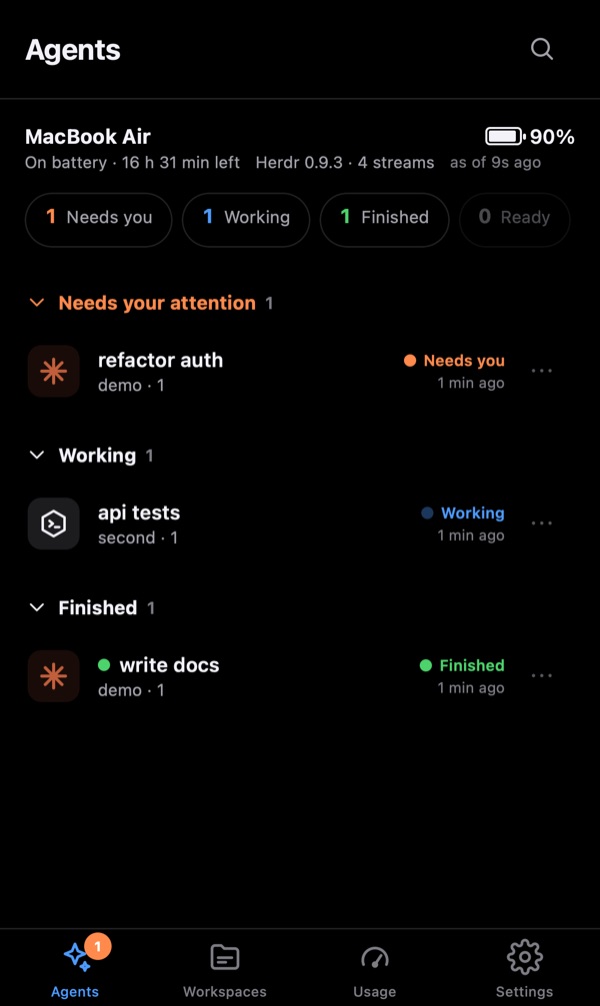
Agents grouped by Needs you, Working and Finished across every workspace, with a badge on the app icon.
Real terminals
Peek at a live screen without resizing it, or take control on purpose. A keyboard bar has the keys a phone lacks, and nothing you type is replayed after a reconnect.
Review changes
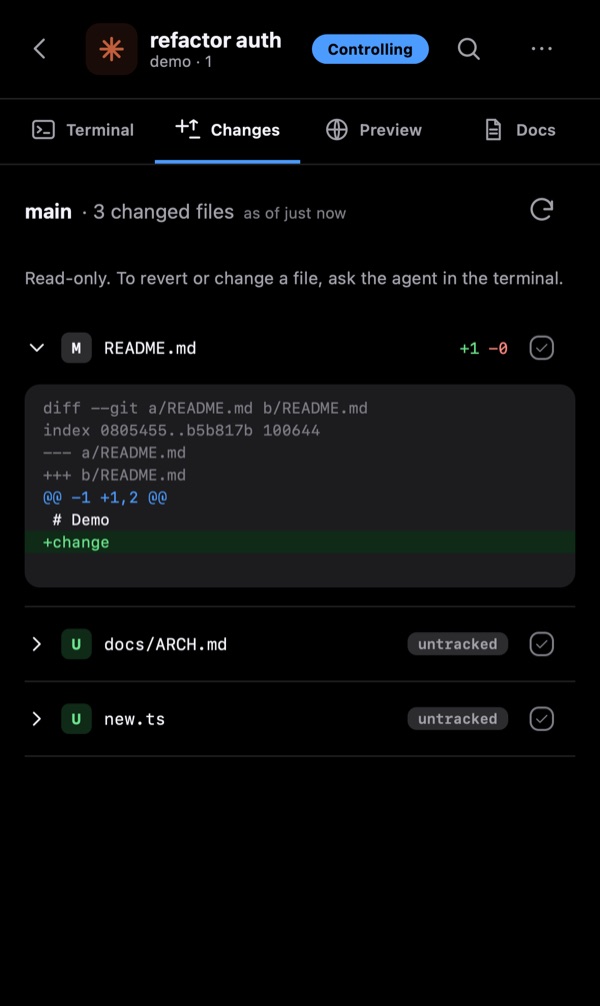
Read the diff of every stream's repository. Read-only by design: Briardr never writes to git or takes its lock.
Notifications
End-to-end encrypted Web Push when an agent needs you, even while the app is closed. Installs to the Home Screen and opens offline.
Yours alone
Self-hosted on your Mac or a Linux server. Reach it over Tailscale, WireGuard or your own HTTPS domain; every device is paired with a one-time code.
Plugins
Files, Changes, Preview, Docs, Notes and Usage are plugins built on the same SDK as yours. briardr create plugin hands the job to Claude Code or Codex.
How it fits together
One small Rust server runs next to Herdr and talks to its local control socket, which is never exposed. Your devices reach the server over HTTPS and WebSockets.
Install
Briardr needs Herdr on the machine it runs on. Everything else goes through mise or the setup helper.
On your Mac
Serves on your tailnet at port 7443, with a Tailscale certificate or its own local CA.
git clone --branch v0.1.0 https://github.com/ChrisSku/briardr.git
cd briardr
mise trust && mise install && mise run install
mise run serve         # build and serve
mise run pair          # code for a new device
mise run install-agent # optional: start at login
On a Linux server
Ubuntu 24.04 or 26.04, public HTTPS behind Caddy at your domain, or private over WireGuard.
git clone --branch v0.1.0 https://github.com/ChrisSku/briardr.git ~/briardr
cd ~/briardr
scripts/setup-linux.sh install --domain you.example \
  --agents claude,codex
scripts/setup-linux.sh pair
The documentation covers Mac setup, devices and certificates, configuration, Always on and the safety rules. The Linux guide covers both access modes, upgrades and backups.